OCR that matters
Pull text out of screenshots and copied image files without leaving your workflow.
Error dialogs, annotated mockups, chat screenshots, terminal captures, or image files copied from Finder. Select the image, let Vision extract the text locally, then search or copy it back.
On-device via Apple Vision
OCR text indexed for search
One-click OCR copy
Search everything
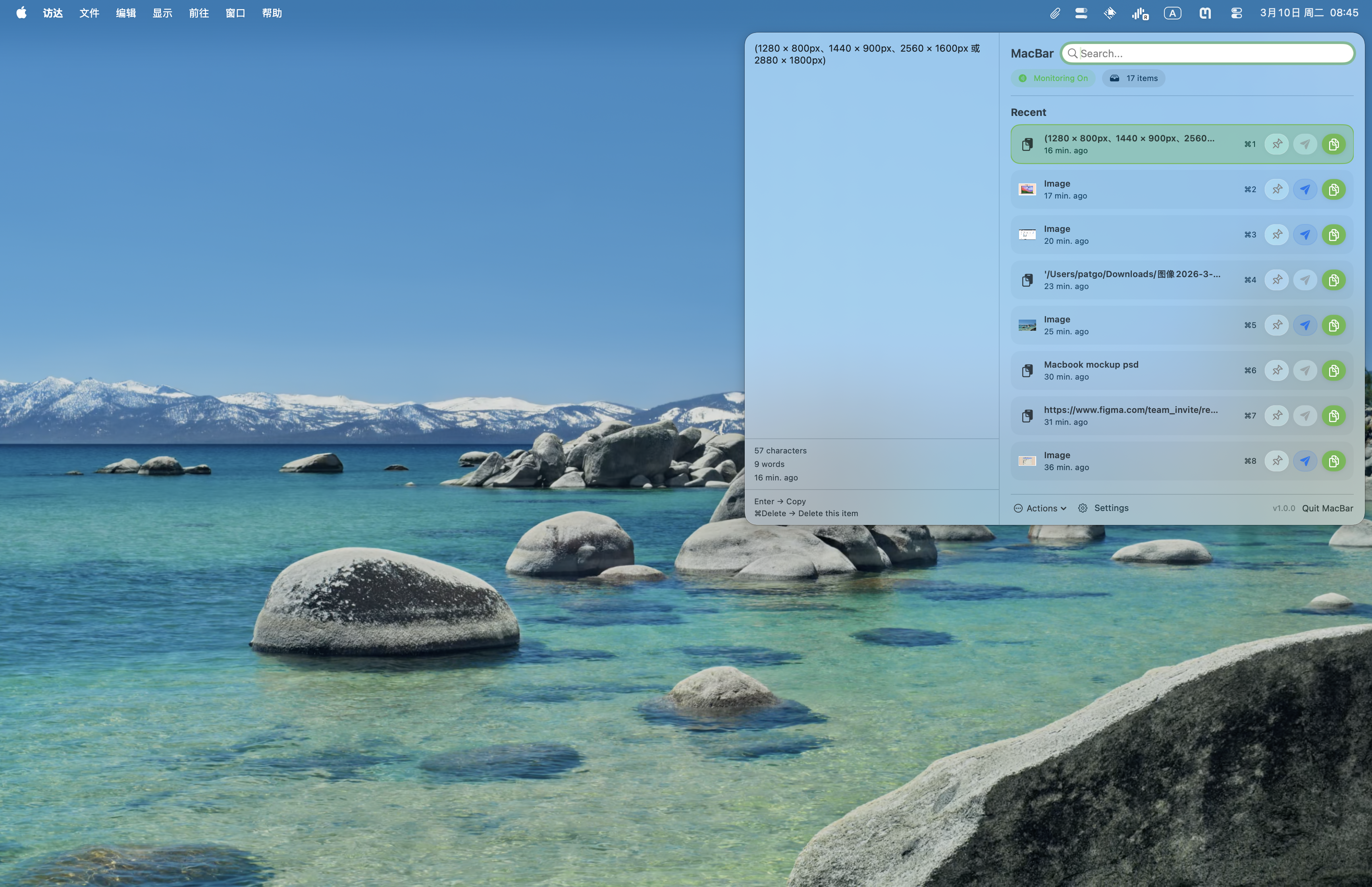
Text, OCR, filenames, and full file paths in one search bar.
You do not need to remember where something came from. If it was copied, MacBar can help you find it.
Files and sharing
Finder files and copied images stay actionable with preview, Finder, paste, or AirDrop.
Image files copied from Finder preview like screenshots, while files keep their full paths. Reveal them in Finder, paste them again, or send files and images straight from the panel with AirDrop.
Selection that follows
Hover the row you want and it becomes the active item for preview, copy, and shortcuts.
Mouse browsing no longer fights the current selection. Skim a dense clipboard history, stop on the right row, then act immediately.
Pinned memory
Keep frequently reused snippets fixed at the top.
Pin prompts, links, shell commands, and boilerplate text so they do not disappear in the scroll.
Stays fast
Disk-backed images, queued OCR, and cached search metadata keep larger histories lighter.
The panel does less repeated work on every open and every keystroke, so image-heavy histories stay usable instead of turning sluggish.